

Full-Stack & AI Product Engineer
Helicon


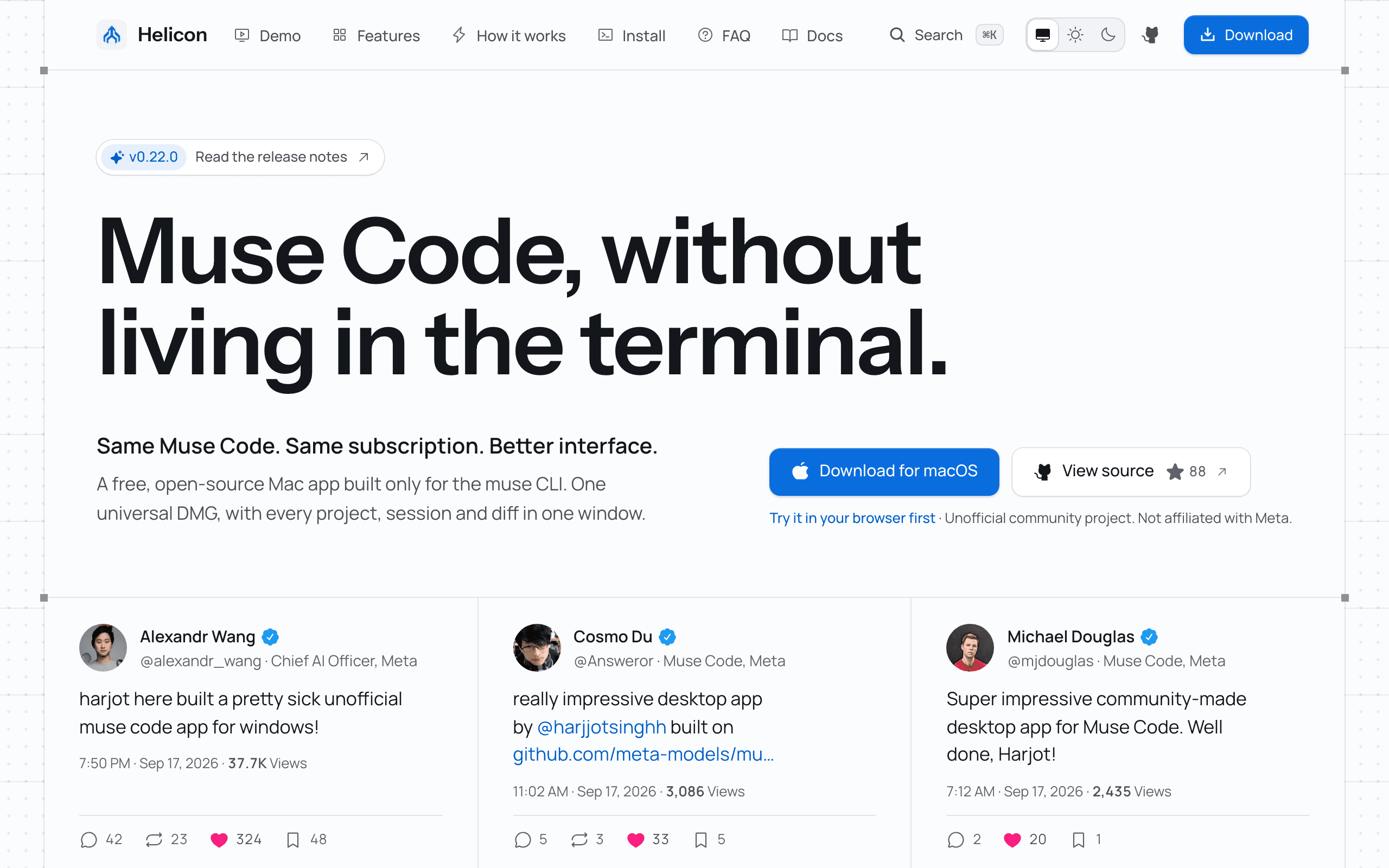
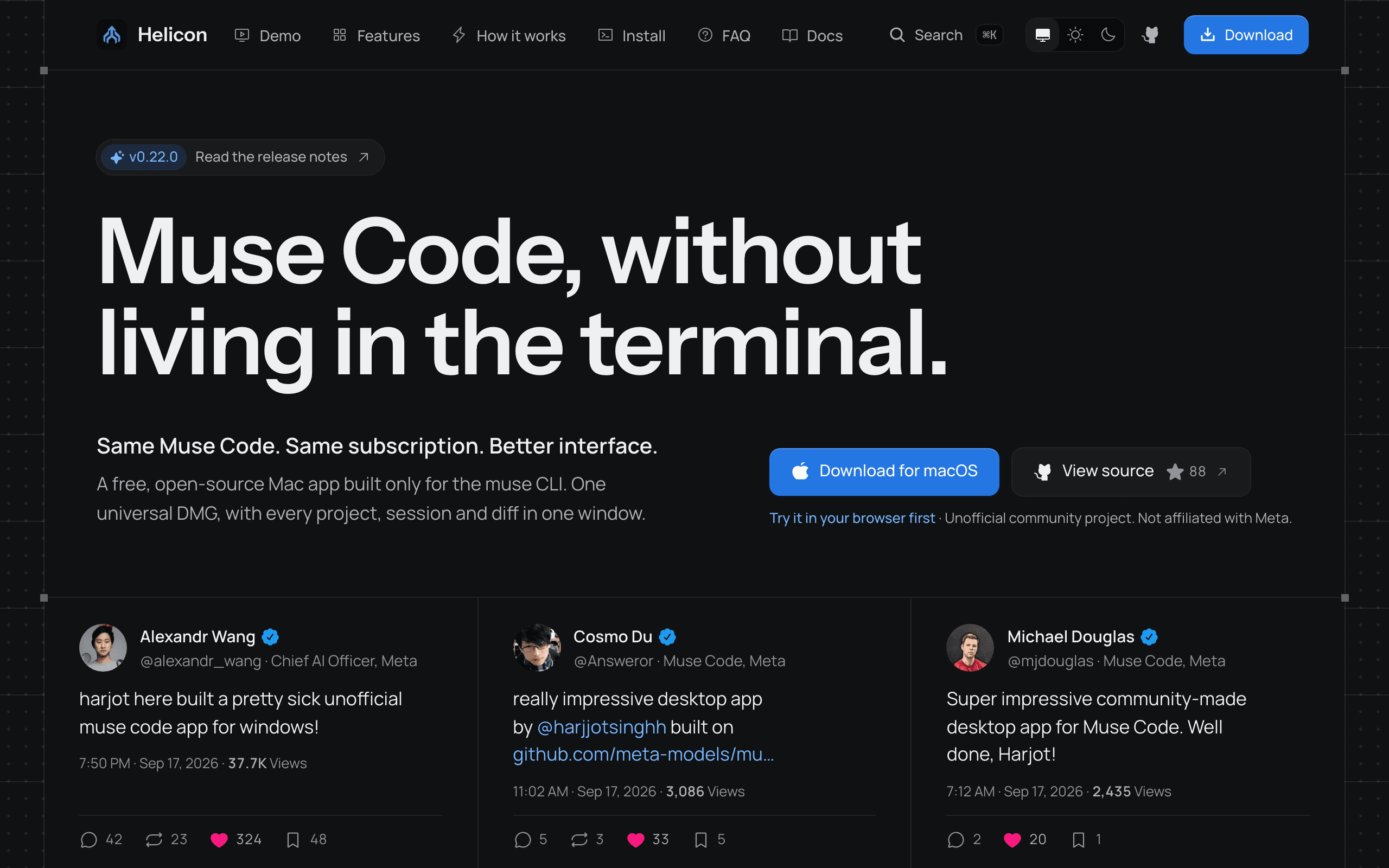
Free, MIT-licensed desktop app (Windows, macOS, Linux) and VS Code extension for Meta's Muse Code CLI. Projects, sessions, readable approvals, inline diffs, and the real plan meter in one UI, with native Windows support and WSL2 path translation. Unofficial, not affiliated with Meta.
Case study
Situation
Muse Code ships as a CLI. Developers who prefer a desktop app, as with Claude Code or Codex, had no client, and Windows users had to fall back to WSL.
Constraint
The client had to stay unofficial and honest: no bundled credentials, no bypassed approvals or billing, and nothing that implied Meta endorsement, while still matching the CLI's real behaviour on three operating systems.
Stack
Tauri 2ReactTypeScriptRustVS Code APIWhat I built
- Built a shared React UI running in a Tauri 2 shell, the browser, and a VS Code webview.
- Wrapped `muse serve` so sessions, approvals, goals, and usage map to the CLI one-to-one.
- Added native Windows and WSL2 path translation, plus CI that builds every installer.
Outcome
Shipped v0.22.0 with 3,500+ installer downloads and 88 GitHub stars in five weeks, listed on VS Code Marketplace and Open VSX.
- Role
- Creator and maintainer
- Timeline
- September 2026 · ongoing
Technical detailTauri 2; Rust; React; TypeScript; VS Code extension API; Muse Code CLI (muse serve); GitHub Actions.
Discuss a developer-tool buildKey features
- Projects grouped by working directory, including isolated worktrees
- Session history with resume and diffs shown where the edit happened
- Readable approval prompts that follow the CLI's own approval rules
- Plan meter showing the 5-hour window and weekly cap
- File viewer beside the thread for source, Markdown, images, video, and PDFs
- Goal panel to set, pause, resume, and clear a /goal
- Background tool calls you can stop, cancel, skip, or retry
- Remote daemon so the web UI can drive muse on another machine